How to Fix My Speaker: Simple Steps to Get Your Sound Back
- Satyam Singh
- Apr 26
- 3 min read

Speakers are a key part of our daily tech use. When they stop working, it can be frustrating. Whether it’s your phone, laptop, or home speaker, a broken speaker can ruin your experience. I’ve faced this problem many times, and I want to share easy ways to fix your speaker at home. You don’t need to be a tech expert. Just follow these clear steps, and you might save time and money.

Close-up of a portable speaker cone showing the main sound driver
Check the Basics First
Before diving into complex fixes, start with simple checks. Many speaker problems come from easy-to-fix issues.
Volume and mute settings: Make sure your device volume is up and not muted. Sometimes the simplest reason is the cause.
Connections: If you use wired speakers, check the cables. Loose or damaged wires can stop sound. For Bluetooth speakers, ensure they are paired correctly.
Power: Confirm your speaker is charged or plugged in. Dead batteries or power issues are common.
Source device: Try playing sound from a different app or device. This helps find if the problem is with the speaker or the source.
If these checks don’t help, it’s time to look deeper.
Clean Your Speaker Carefully
Dust and dirt can block sound or damage speaker parts. Cleaning your speaker can improve sound quality or fix muffled audio.
Use a soft brush or cloth to remove dust from speaker grills.
Avoid using water or liquids directly on the speaker.
For small openings, use compressed air to blow out dust.
Cleaning is a simple step that often gets overlooked but can make a big difference.
Test Your Speaker with a Diagnostic Tool
Some devices have built-in tools to test speakers. For example, many smartphones and laptops offer sound tests in settings.
If your device doesn’t have this, you can use apps or websites that play test sounds. These tests help find if the speaker is working or if certain frequencies are missing.
Fixing Common Speaker Problems
Here are some common issues and how to fix them:
No Sound or Intermittent Sound
Check cables and connections again.
Restart your device.
Update your device’s audio drivers or software.
Reset Bluetooth connection if wireless.
Distorted or Crackling Sound
Lower the volume to avoid distortion.
Check for damaged speaker cones or grills.
Try a different audio source to rule out file issues.
Speaker Not Recognized by Device
Reconnect or pair the speaker.
Update device drivers.
Restart both devices.
If these steps don’t work, the speaker might have hardware damage.
When to Use Professional Repair Services
Sometimes, the problem is beyond simple fixes. If your speaker has physical damage, like torn cones or water damage, professional help is best.
For example, the Speaker Repair Service from SoundFixPro offers expert repair for all speaker types. They handle everything from small fixes to full replacements.
Using a trusted service can save you from buying a new speaker and keep your device working longer.

Technician carefully repairing a speaker with precision tools
Comparing Speaker Repair Options
If you want to try fixing your speaker yourself, you can buy repair kits. For example:
Speaker Repair Kit by AudioFix: Includes glue, replacement parts, and tools for small repairs. Good for DIY fixes on portable speakers. Check it here
Professional Repair Service by SoundFixPro: Best for complex or large speaker systems. They offer warranty and expert care. Learn more
If you are unsure, starting with a repair kit can be a good way to test your skills. But for expensive or large speakers, professional repair is safer.
Preventing Speaker Problems in the Future
Once your speaker is fixed, keep it working well with these tips:
Avoid exposing speakers to water or extreme heat.
Keep them clean and dust-free.
Use proper cables and avoid pulling on wires.
Don’t play sound at maximum volume for long periods.
Taking care of your speaker helps avoid common issues and extends its life.
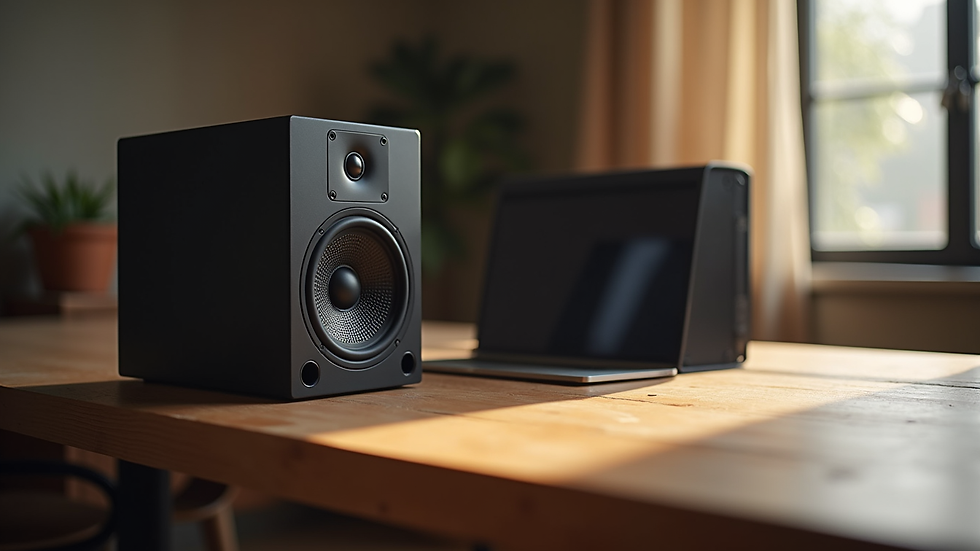
Clean and neat speaker setup on a wooden table
Final Thoughts on Fixing Your Speaker
Fixing a speaker can be simple or complex depending on the problem. Start with basic checks and cleaning. Use diagnostic tools to find issues. If needed, try a repair kit or contact a professional service like SoundFixPro.
Remember, a working speaker makes your music, calls, and videos better. Don’t give up on your speaker too soon. With some care and the right help, you can get your sound back quickly.
If you want to learn more about fixing other tech problems, keep exploring guides that make troubleshooting easy and clear. Your devices will thank you!



Comments