5 min read
Will Verizon Support iPhone Handoff?

Understanding iPhone Handoff
iPhone Handoff is a feature that allows users to start a task on one Apple device and continue it on another. For instance, you can begin composing an email on your iPhone and finish it on your MacBook. This seamless integration enhances productivity and is particularly useful for users who frequently switch between devices.
To use Handoff, ensure that all devices are signed into the same iCloud account and connected to the same Wi-Fi network. You will see an app icon appear on the lock screen of the other device, allowing you to pick up where you left off. If you’re a Verizon user, you might wonder if your carrier supports this feature.
- Requires iCloud account on all devices
- Works with various Apple devices
- Seamless transition between tasks
Will Verizon Support iPhone Handoff?
Yes, Verizon does support iPhone Handoff, but there are specific requirements to ensure it works correctly. First, your iPhone must be running iOS 8 or later, and your other Apple devices should be updated accordingly. If you are experiencing issues, it may not be a problem with Verizon, but rather with your device settings or connectivity.
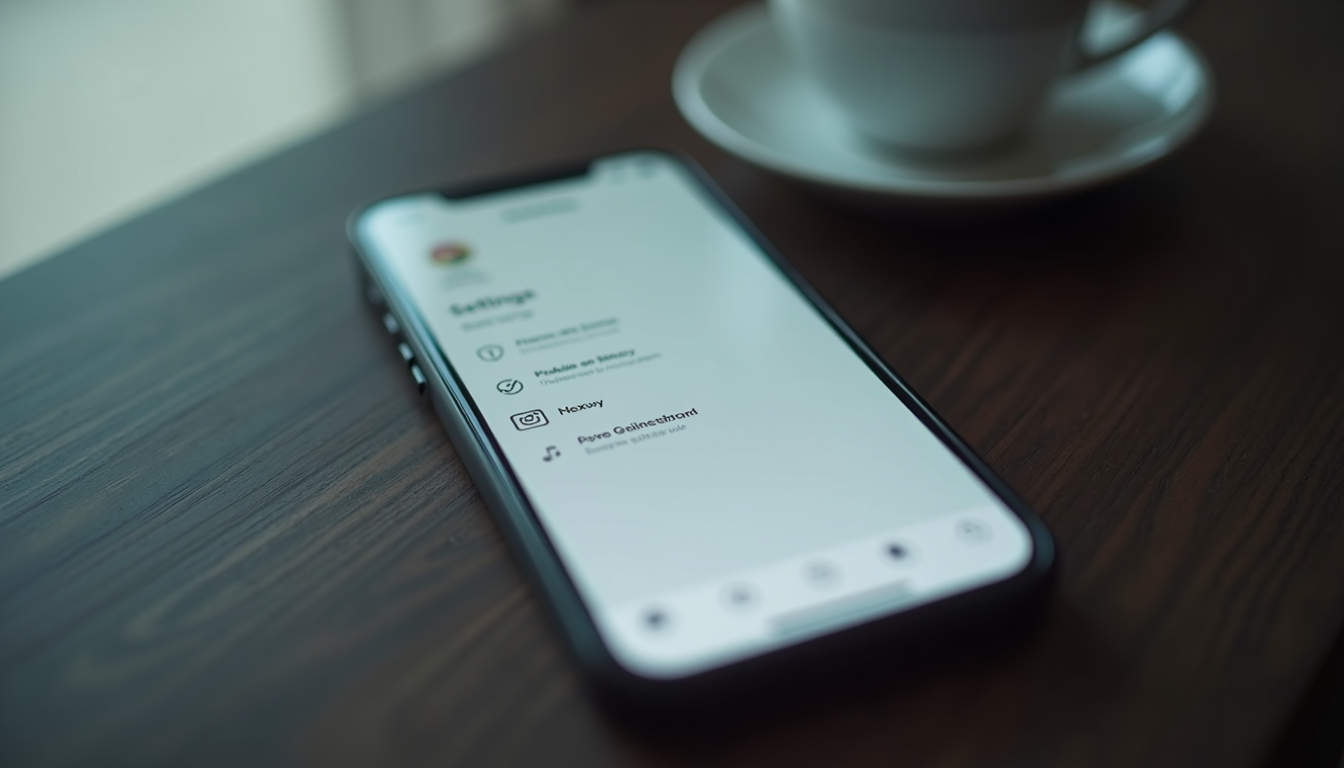
To confirm that Handoff is enabled, go to Settings > General > Handoff and make sure the feature is turned on. If it's already enabled and you still can't use it, consider checking your network connection or restarting your devices.
- Ensure iOS version is compatible
- Check Handoff settings in General
- Restart devices if issues persist
Causes of Handoff Issues
Several factors can prevent Handoff from functioning properly. One common issue is that devices may not be on the same Wi-Fi network. Handoff relies on a stable connection to work seamlessly, so check your Wi-Fi settings to confirm both devices are connected to the same network.
Another potential cause is that Bluetooth must be enabled on both devices. Handoff uses Bluetooth to establish a connection between the devices, so if Bluetooth is turned off, the feature will not work. You can check Bluetooth settings in the Settings app under Bluetooth.
- Devices must be on the same Wi-Fi network
- Bluetooth needs to be enabled
- Check for software updates
Checks to Perform
To troubleshoot Handoff issues, start by verifying that all devices are signed into the same iCloud account. Go to Settings > [Your Name] to check the account details. If they are not the same, sign in with the correct Apple ID on all devices.
Next, ensure that the Handoff feature is enabled on each device. Navigate to Settings > General > Handoff and toggle the switch on. This setting must be enabled on every device you wish to use with Handoff.
- Confirm iCloud account on all devices
- Enable Handoff in General settings
- Check for active Wi-Fi and Bluetooth
Fixing Handoff Problems
If you've confirmed that all settings are correct but Handoff still isn't working, try resetting your network settings. Go to Settings > General > Reset > Reset Network Settings. This will erase all saved Wi-Fi networks and passwords, so be prepared to reconnect to your networks afterward.
Additionally, ensure that your devices are updated to the latest software version. Go to Settings > General > Software Update to check for any available updates. Keeping your devices updated can resolve many compatibility issues.
- Reset network settings if needed
- Update devices to latest software
- Reconnect to Wi-Fi after reset
- Open Settings on your iPhone.
- Go to General and select Reset.
- Choose Reset Network Settings.
- Confirm the reset and reconnect to Wi-Fi.
When to Stop Troubleshooting
If you have tried all the steps above and Handoff is still not functioning, it may be time to consider contacting Apple Support for further assistance. Sometimes, there may be a hardware issue or a more complex software problem that requires professional help.
Additionally, if your devices are older models, they may not support the latest features, including Handoff. Check the specifications of your devices to ensure they are compatible with the feature.
- Contact Apple Support for persistent issues
- Check device compatibility with Handoff
- Consider hardware limitations
Summary
In conclusion, Verizon does support iPhone Handoff, provided that all necessary settings and requirements are met. If you experience issues, checking your network connection, iCloud account, and device settings can often resolve the problem.
Remember to keep your devices updated and consider reaching out to Apple Support if problems persist. With the right troubleshooting steps, you can enjoy the seamless experience that Handoff offers.
Questions
Can I use Handoff with non-Apple devices?
No, Handoff is exclusively designed for Apple devices. It requires compatibility with Apple's ecosystem to function properly.
What should I do if Handoff is not showing up?
Make sure Handoff is enabled in Settings and that your devices are connected to the same Wi-Fi network. Restarting your devices may also help.
Is Handoff available on all iPhones?
Handoff is available on iPhones running iOS 8 or later. Check your device's software version to ensure compatibility.